

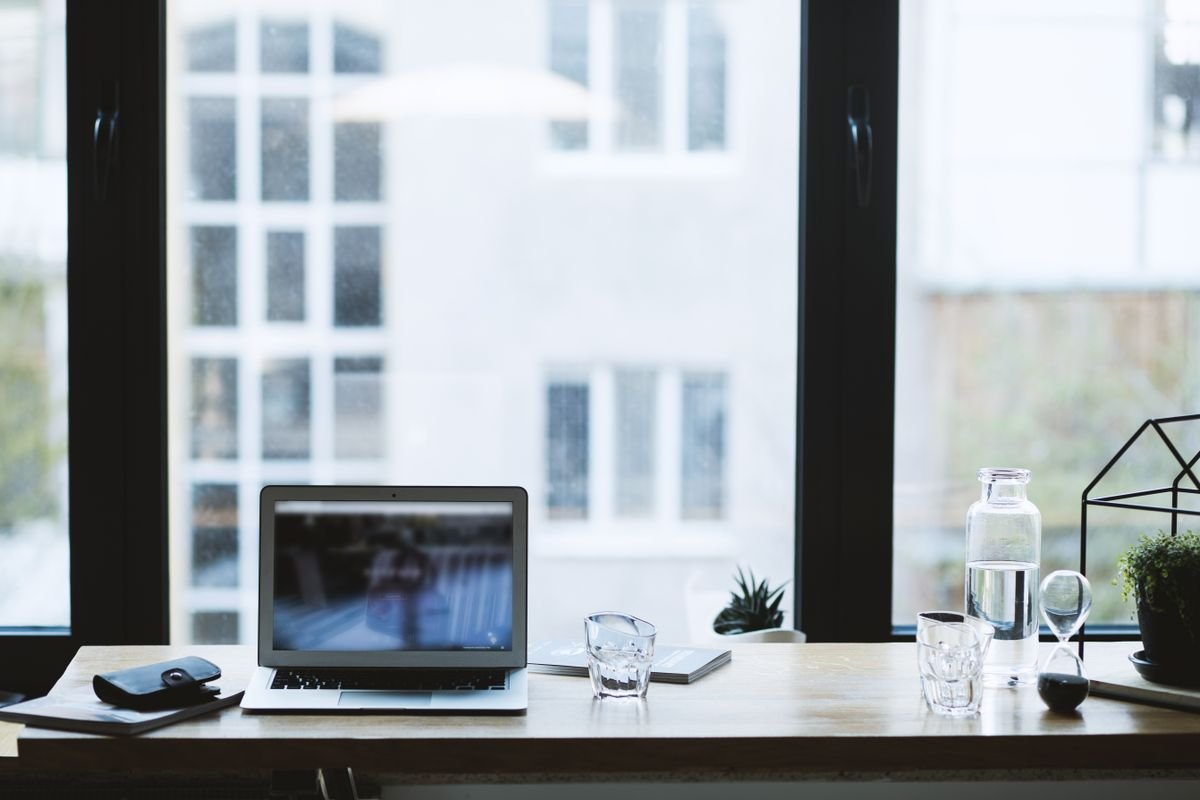
Desk Life Habits That Make Long Sitting Feel Easier
Desk life has become a normal part of everyday routine for many people. Whether you work in an office, study from home, manage online tasks, attend virtual meetings, or use a laptop for hours, sitting at a desk is now part of modern life. At first, it may feel harmless. You sit down, open your laptop, start working, and before you realize it, several hours have passed.
The problem is that long sitting can slowly make the body feel tired, stiff, and uncomfortable. Your shoulders may feel heavy, your neck may become tight, your lower back may start hurting, and your eyes may feel dry after looking at a screen for too long. Many people ignore these small signs because they think discomfort is just part of work. But in reality, small desk life habits can make a big difference.
You do not need an expensive office chair, a luxury desk, or a perfect workspace to feel better. A few simple changes in your sitting position, break routine, lighting, desk setup, and daily work habits can make long sitting feel much easier and more comfortable.
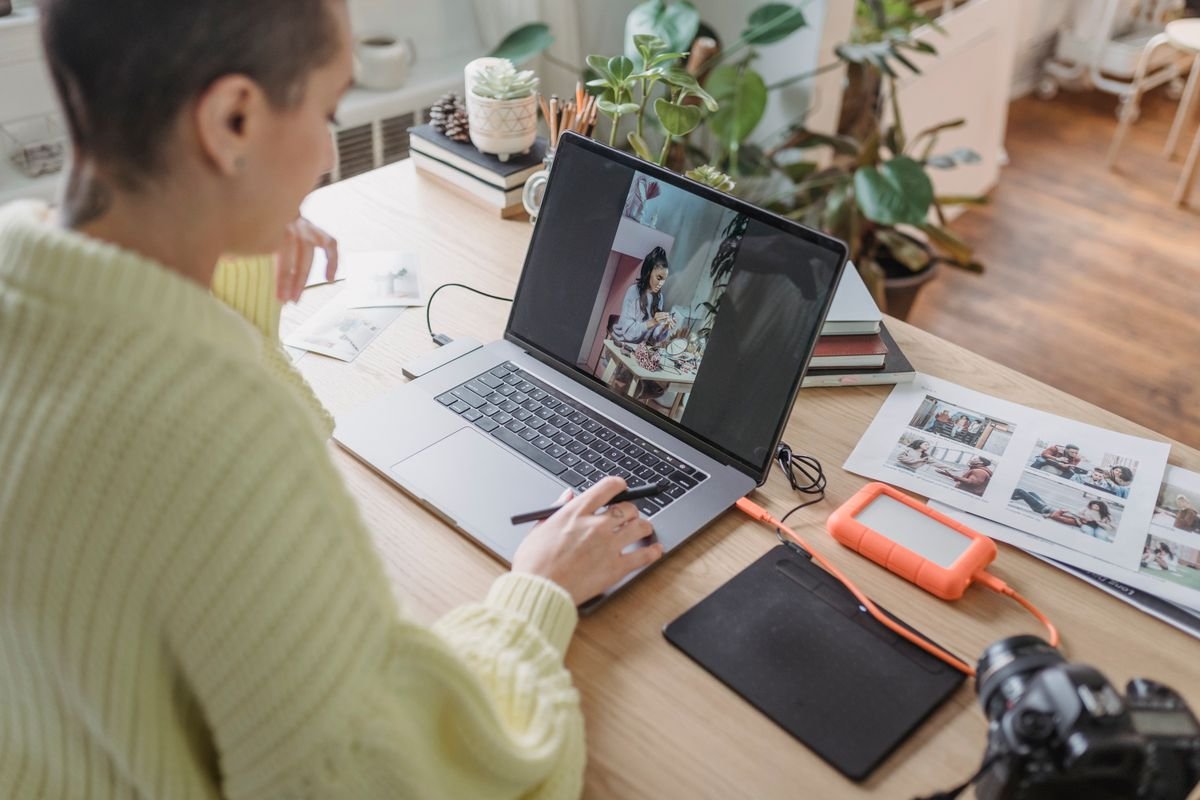
Why Desk Life Feels So Tiring
Desk life can feel tiring because the body is not designed to stay in one position for many hours. When you sit for a long time, your muscles stay in the same position, your blood flow slows, and your body becomes stiff. Sitting also puts pressure on your lower back, shoulders, hips, hands, and eyes in ways that standing or walking does not.
This is why you may feel tired even if you have not done any physical work. Sitting for hours can make your posture worse, your muscles weaker, and your energy lower. Your eyes may feel strained, your neck may ache, and your back may feel stiff. Over time, this can turn into regular discomfort that affects your mood, productivity, and daily life.
Many people think the solution is to buy more office products. While good equipment can help, the real change comes from your habits. How you sit, how often you move, how you arrange your desk, and how you manage your screen time all matter.
Adjust Your Sitting Position First
The first and most important habit is adjusting your sitting position. A better sitting position can reduce pressure on your back, shoulders, and neck. Start by sitting all the way back in your chair so your lower back touches the backrest. Try to keep your spine straight but relaxed, not stiff or bent forward.
Try to keep your feet flat on the floor. If your feet do not reach the floor comfortably, use a small footrest, a book, or a box under your feet. Your knees should be at about the same level as your hips. Crossing your legs for a long time can reduce blood flow and cause discomfort, so try to keep your legs relaxed and uncrossed most of the time.
Your back should feel supported. If your chair does not support your lower back, place a small cushion, rolled towel, or lumbar support behind your lower back. This can help you maintain a natural curve in your spine and reduce pressure on your back muscles.
Your screen should also be at a comfortable height. If your laptop is too low, you may bend your neck downward for hours. This can cause neck pain, shoulder tension, and headaches. Try to place your screen at eye level. You can use a laptop stand, a stack of books, or an external monitor to raise the screen.
Do Not Stay in One Position for Too Long
Even a good sitting position can become uncomfortable if you stay in it for too long. The body needs movement and changes in position. Sitting in the same way for several hours can cause stiffness, poor blood flow, and muscle tension.
Try to stand up for one or two minutes after a long sitting period. You can walk to get water, stretch your arms, walk around the room, or simply stand while you talk on the phone. These short breaks do not need to be long. Even one minute of movement can help your body feel better.
Many people avoid breaks because they think breaks will reduce productivity. In reality, short breaks can improve focus, energy, memory, and mood. After a break, it is often easier to return to work feeling refreshed and ready to concentrate again.
Keep Your Desk Clean and Simple
A clean desk can make desk life feel much easier. When your workspace is crowded with papers, cups, cables, and random items, your mind can also feel crowded. A messy desk can increase stress and make it harder to focus on work.
For a cleaner overall environment, you can also follow these simple ways to keep your home fresh every day. A fresh space often makes work feel lighter and more organized.
Try to keep only the things you use daily on your desk. This may include your laptop, notebook, pen, water bottle, and maybe a small phone charger. Remove everything else from your desk. You will be surprised how much lighter your workspace feels after a quick cleanup.
You do not need to deep clean your desk every day. A quick five-minute reset is enough. At the end of your workday, remove cups, throw away waste, file papers, and organize your desk for tomorrow.
Use Lighting That Feels Comfortable
Lighting plays a bigger role in desk life than many people realize. Poor lighting can make your eyes tired, cause headaches, and lower your mood. If your lighting is too dark, your eyes have to work harder. If your lighting is too bright, it can cause glare and eye discomfort.
If possible, sit near natural light. Natural light makes the workspace feel open, fresh, and more pleasant. It can also improve your mood and energy levels. If you can position your desk near a window, do it, but avoid direct sunlight on your screen.
If natural light is not available, use soft indoor lighting. Avoid working in a dark room with only the screen as your light. You can use a desk lamp with warm lighting if your room feels dark.
Give Your Eyes Regular Rest
Your eyes work constantly during desk life. Reading emails, typing documents, watching videos, checking messages, and browsing websites all require long periods of screen use. This can lead to eye strain, dryness, difficulty focusing, and tired eyes.
A simple habit is to look away from the screen regularly. Focus on something far away for a few seconds. This helps your eye muscles relax. You can also close your eyes for a short moment and breathe slowly to refresh your vision.
Blinking is also important. When people focus on screens, they often blink less without noticing it. This can make the eyes dry and uncomfortable. Try to blink regularly. If your eyes often feel dry, you can also use eye drops after checking with a healthcare professional.
Relax Your Hands, Fingers, and Wrists
Desk work is not only hard on the back and eyes. Your hands, fingers, and wrists also work a lot. Typing for many hours can make your wrists stiff and your fingers tired. Poor hand position can lead to pain, numbness, or tingling in your hands and wrists.
Keep your keyboard and mouse at a comfortable distance. Your arms should not feel stretched too far forward, and your elbows should stay relaxed at your side. Your wrists should remain straight while typing. Avoid bending your wrists upward or resting them heavily on the desk.
You can open and close your hands, rotate your wrists slowly, or simply rest your hands in your lap for a few seconds. Try to shake your hands lightly every hour or so to improve blood flow.
Keep Water Near You
Hydration is a simple habit, but it is often ignored during desk work. Many people sit for hours without drinking water. This can cause tiredness, dry skin, headaches, and difficulty focusing.
Keeping a water bottle on your desk can help. When water is visible, you are more likely to drink it. Try to take small sips throughout the day instead of drinking a large amount at once. You can also use a reusable water bottle to track your daily intake.
Drinking water also gives you a reason to move. When your bottle is empty, you can stand up and refill it. This is a perfect excuse to take a short movement break.
Build a Better Break Routine
Breaks are not only for rest. They are part of a healthy desk routine. A good break does not always mean scrolling on your phone or checking social media. The best breaks are the ones that give your eyes, body, and mind a rest from work.
Try to use some breaks without screens. Stand up, stretch lightly, walk a few steps, breathe slowly, and relax your shoulders. You can also use break time to have a snack, drink water, listen to music, or simply look out of the window.
You can also divide your work into focused sessions. Work for a set amount of time, then take a short break. This method can help you finish your work faster and stay focused throughout the day.
Make Your Workspace Personal but Not Crowded
Your workspace should feel comfortable, but it should not become too crowded. A small personal touch can make your desk feel pleasant and motivating. This could be a photo, a plant, a scented candle, or a small item that helps you feel calm and happy.
The key is balance. Too many decorative items can become distracting. Choose one or two things that make you feel good. Your workspace should feel personal, but still simple and organized.
End Your Desk Day Properly
One habit that many people forget is ending the desk day properly. When work ends suddenly, your mind can continue thinking about tasks long after you have stopped working. This can cause stress, restlessness, and difficulty sleeping.
Before leaving your desk, save your work, close unnecessary tabs, write down unfinished tasks, and organize your desk for tomorrow. This simple routine can help your brain understand that the workday has ended.
Writing down tomorrow’s first task is also helpful. When you sit down the next day, you will know exactly where to start. This can reduce stress and help you feel more focused in the morning.
Comfort Is Part of Productivity
Many people think productivity means working longer, sitting longer, and pushing through discomfort. But this is not always true. When your body feels tired, sore, or uncomfortable, your work quality can become worse. It often takes longer to complete simple tasks, and it becomes harder to concentrate.
Comfort does not mean laziness. It means creating conditions that help you work better. A supportive chair, a clean desk, comfortable lighting, a relaxed body, regular breaks, and enough water can all improve your energy and focus. Small steps toward comfort can lead to better work and a better day.

One Workday, Rearranged
Same job, same kitchen-table desk — just a day arranged a little better. It starts with the chair: feet flat on the floor, a folded towel behind the lower back, the laptop raised on two cookbooks so the screen sits at eye level.
Work runs in chunks of about fifty minutes. When the timer goes off, so does the sitting. Refill the water glass, walk to the mailbox, roll the shoulders, look out of the window at something far away.
Lunch happens away from the desk, on the porch if the weather allows, because a screen-free meal is the only break that actually feels like one.
Mid-afternoon is when the neck usually complains, so that break includes thirty seconds of looking left, right, up, and down — nothing fancy, just movement in the directions a screen never asks for.
At 5:30 the laptop closes and stays closed, the desk gets wiped back to empty, and the chair is pushed in. That small shutdown ritual is what stops the workday from leaking into the whole evening.
If your lower back is the main complaint, our guide to the correct sitting posture for lower back pain goes deeper on chair setup.
Breaks only work if the phone does not eat them, so pair this with our tips to reduce phone distraction during your daily routine.
A clear desk is step one; here is what room clutter does to your daily focus when the rest of the space piles up.
The Bottom Line
Desk life is common, but it does not have to feel uncomfortable every day. Long sitting can become easier when you change your sitting position, take regular breaks, clean your desk, use comfortable lighting, rest your eyes, relax your hands, stay hydrated, and end your workday properly.
You do not need a perfect office or expensive setup. Pick whichever habit sounds easiest and run it for a week. Adjust your sitting position, take short breaks, drink water, and rest your eyes. Over time, these small habits can add up to better comfort, better focus, and a healthier desk routine.
FAQs
1. What are desk life habits?
Desk life habits are simple daily practices that help make long sitting, computer work, and study routines more comfortable. These habits focus on sitting posture, movement breaks, eye care, hydration, workspace setup, and daily routines.
2. How can I make long sitting easier?
You can make long sitting easier by improving your sitting position, taking short breaks, keeping your desk clean, using comfortable lighting, staying hydrated, and giving your eyes regular rest.
3. Why are short breaks important during desk work?
Short breaks help refresh your body and mind. Even standing, walking, or stretching for a minute can improve blood flow, reduce stiffness, and help you refocus on work.
4. How can I reduce eye strain during desk life?
You can reduce eye strain by looking away from the screen regularly, adjusting screen brightness, using natural light, and remembering to blink often.
5. Do I need an expensive office setup for better desk comfort?
No, you do not need an expensive setup. Small changes like better posture, a clean desk, screen height adjustment, regular breaks, and staying hydrated can make a big difference.
6. How often should I stand up during the workday?
A good rhythm is to change position every 30 to 50 minutes — stand, walk to get water, or just work standing for one short task. You do not need a standing desk to do this; a timer is honestly the cheapest ergonomic upgrade there is.
7. Is a standing desk actually worth the money?
For most people, not before the basics are fixed: chair height, screen height, and regular breaks matter more and cost almost nothing. If you still want one, a simple converter that sits on your existing desk does the job for far less than a full frame.
8. What chair height is right for desk work?
Your feet should rest flat on the floor with your knees at roughly a right angle, and your elbows should bend at about 90 degrees when your hands are on the keyboard. If your feet dangle, a footrest — or a sturdy box — fixes it in seconds.
9. How can I stop my neck aching after screen work?
The usual cause is a screen that sits too low, so your head tips forward for hours. Raise the screen until the top third is at eye level, bring it an arm’s length away, and do the look-around break in this article every hour or so. If the ache persists most days, get it checked.
Author Bio
PureFitDay Editorial Team creates practical health, wellness, and nutrition content for readers who want simple guidance for healthier living.
References
- OSHA — Computer Workstations
- Health and Safety Executive — Display Screen Equipment
- Canadian Centre for Occupational Health and Safety — Office Ergonomics
- American Academy of Ophthalmology — Computer Use and Eyestrain
- Better Health Channel — Office Ergonomics
- MedlinePlus — Guide to Good Posture
- NHS — Exercises for Back Pain
Disclaimer
Everything here is everyday comfort guidance for desk workers, gathered from ergonomic best practice — not a medical assessment of your workstation. It is not medical, ergonomic, or professional advice. Always consult a qualified healthcare professional, eye specialist, physiotherapist, or workplace ergonomics professional for personal guidance. Pain that keeps coming back, numb fingers, or headaches that start at your desk most days deserve a real checkup, not another cushion — see a doctor or physio.






3 Comments